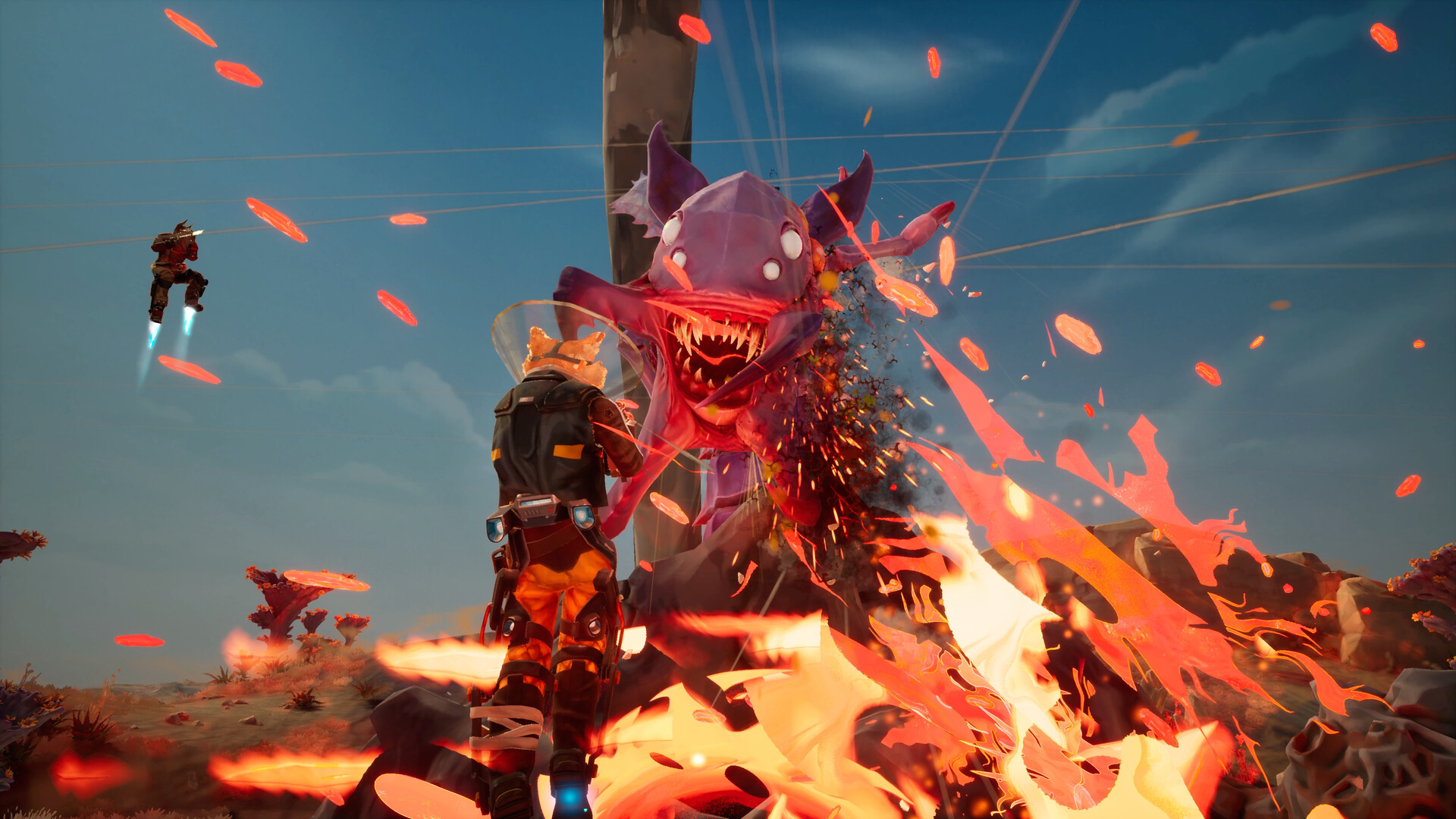
Your Game and Where to Start
GRAVHOUNDS is a co-op action builder from Octopus Panic, Inc. for 1–4 players, where bio-engineered canine workers gather resources, build defenses, fight alien swarms, and extract alive. Start through Steam Early Access on Windows PC or Xbox Game Preview on Xbox Series X|S or Windows PC; Game Pass also provides a supported access route.
What You Do During a Shift
Your job is to explore hostile planets, collect resources, and survive long enough to extract with your haul. Third-person shooting sits alongside base construction, physics-based interactions, and roguelite upgrades. Expect to move between gathering materials, expanding your operation, and responding to attacks as the shift develops.
Your base is part of that survival effort. Turrets, generators, and fabricators help you expand and defend the operation, while pipelines carry power and resources across the terrain. The Grav Beam lets you fling objects and send enemies flying, giving you another way to handle trouble beyond shooting.
Staying longer brings greater danger and greater rewards. You can gain abilities and upgrades during a shift, stacking bonuses and adapting your loadout as the swarm becomes more threatening. For your opening attempts, concentrate on learning the objective and leaving successfully before pushing for a bigger haul.
Choose Your Way to Play
Steam offers the game as a paid Early Access purchase, while the Xbox release carries the Game Preview label. Both routes let you start playing a game that is still being developed. Review the product page for your chosen route before committing, especially if you are deciding between a purchase and subscription access.
Check Your Crew's Storefront Before Installing
If you plan to play with friends, agree on the storefront before choosing your copy. Xbox Series X|S and Xbox on PC support crossplay with each other, while Steam currently has a separate player community. Being on a PC does not make a Steam copy compatible with a friend's Xbox version.
PC players can use either a controller or mouse and keyboard. Choose whichever feels more comfortable while you learn movement, combat, and building. Before purchasing the Steam version, compare your computer with the system requirements on its product page.
Get From the Storefront to Your First Shift
- Choose the supported platform and storefront you intend to use. If you are joining friends, match their Steam or Xbox player community so your copies can play together.
- Open the relevant product page from the options above. Check that it identifies GRAVHOUNDS and Octopus Panic, Inc., so you are selecting the correct game.
- Obtain the game through your chosen purchase or Game Pass route. This gives you access to the Steam Early Access or Xbox Game Preview build for that platform.
- Install the game through your selected storefront to prepare it for play. Keep the version you chose with your crew in mind when moving on to multiplayer.
- Follow the opening instruction to report to the Holo Table aboard the ship. That begins your first shift and introduces the Collector at the center of your landing zone.
- Work through the tutorial objectives in their displayed order. They introduce tools and interactions in sequence, helping you learn the basics before moving on to later assignments.
Start Alone or Bring a Pack
You can play solo, and difficulty and mission timing scale with player count. The developer describes solo play as more methodical and generally less chaotic than a full crew. If you prefer to learn without coordinating with others, solo is a supported way to begin.
In a crew, you can divide building, repairs, combat, and resource gathering between players. Those jobs are flexible: everyone shares the core tools and mechanics, and players can move between responsibilities during a mission. Agree on who will handle the immediate task, then adjust when the situation changes.
Single-player play can be offline, while multiplayer requires an internet connection. On the same device, your saves can be used when moving between offline solo play and online play with friends. Steam cloud saves require internet access, so keep that distinction in mind if you switch devices.